Nvidia Isaac Lab 7 - 在 Isaac Lab 中,训练第一个机器人 - 6. 开始使用 Isaac Lab
1. 系统要求
1.1. 通用要求
如需查看详细要求,请参阅 Isaac Sim 系统要求。基本要求如下:
- OS:Ubuntu 22.04(Linux x64)或 Windows 11(x64)
- RAM:32 GB 或以上
- GPU VRAM:16 GB 或以上(渲染工作流可能需要额外显存)
Isaac Sim 基于特定 Python 版本构建,因此在安装 Isaac Lab 时必须使用相同的 Python 版本。所需 Python 版本如下:
- Isaac Sim 5.X 需要 Python 3.11。
- Isaac Sim 4.X 需要 Python 3.10。
2. 安装 Isaac Lab
2.1. 克隆 Isaac Lab
将 Isaac Lab 仓库克隆到项目工作区中:
git clone https://github.com/isaac-sim/IsaacLab.git --branch main
cd IsaacLab
Isaac Lab 为 Linux 和 Windows 分别提供用于便捷地管理扩展的辅助可执行脚本 isaaclab.sh 和 isaaclab.bat。
./isaaclab.sh --help

usage: isaaclab.sh [-h] [-i] [-f] [-p] [-s] [-t] [-o] [-v] [-d] [-n] [-c] -- Utility to manage Isaac Lab.

optional arguments:
   -h, --help           Display the help content.
   -i, --install [LIB]  Install the extensions inside Isaac Lab and learning frameworks (rl_games, rsl_rl, sb3, skrl) as extra dependencies. Default is 'all'.
   -f, --format         Run pre-commit to format the code and check lints.
   -p, --python         Run the python executable provided by Isaac Sim or virtual environment (if active).
   -s, --sim            Run the simulator executable (isaac-sim.sh) provided by Isaac Sim.
   -t, --test           Run all python pytest tests.
   -o, --docker         Run the docker container helper script (docker/container.sh).
   -v, --vscode         Generate the VSCode settings file from template.
   -d, --docs           Build the documentation from source using sphinx.
   -n, --new            Create a new external project or internal task from template.
   -c, --conda [NAME]   Create the conda environment for Isaac Lab. Default name is 'env_isaaclab'.
   -u, --uv [NAME]      Create the uv environment for Isaac Lab. Default name is 'env_isaaclab'.
2.2. 安装
使用 apt 安装依赖:
# these dependency are needed by robomimic which is not available on Windows
sudo apt install cmake build-essential
运行安装命令,该命令将遍历 source 目录中的所有扩展,使用 pip 以可编辑模式(带 --editable 标志)安装这些扩展:
./isaaclab.sh --install # or "./isaaclab.sh -i"默认情况下,上述命令安装所有学习框架,包括 rl_games、rsl_rl、sb3、skrl 和 robomimic。
如果只想安装某个特定框架,可以将框架名称作为参数传入。比如若只安装 rl_games 框架,可以运行:
./isaaclab.sh --install rl_games # or "./isaaclab.sh -i rl_games"可选参数包括 all、rl_games、rsl_rl、sb3、skrl、robomimic 和 none。如果传 none,则不安装任何学习框架。
2.3. 验证 Isaac Lab 安装
为验证安装是否成功,请在仓库根目录下运行以下命令:
# Option 1: Using the isaaclab.sh executable
# note: this works for both the bundled python and the virtual environment
./isaaclab.sh -p scripts/tutorials/00_sim/create_empty.py

# Option 2: Using python in your virtual environment
python scripts/tutorials/00_sim/create_empty.py
上述命令将启动仿真器,显示带黑色视口的窗口。可以在终端中按 Ctrl+C 退出脚本。在 Windows 设备上,在命令提示符中使用 Ctrl+Break 或 Ctrl+fn+B 终止进程。
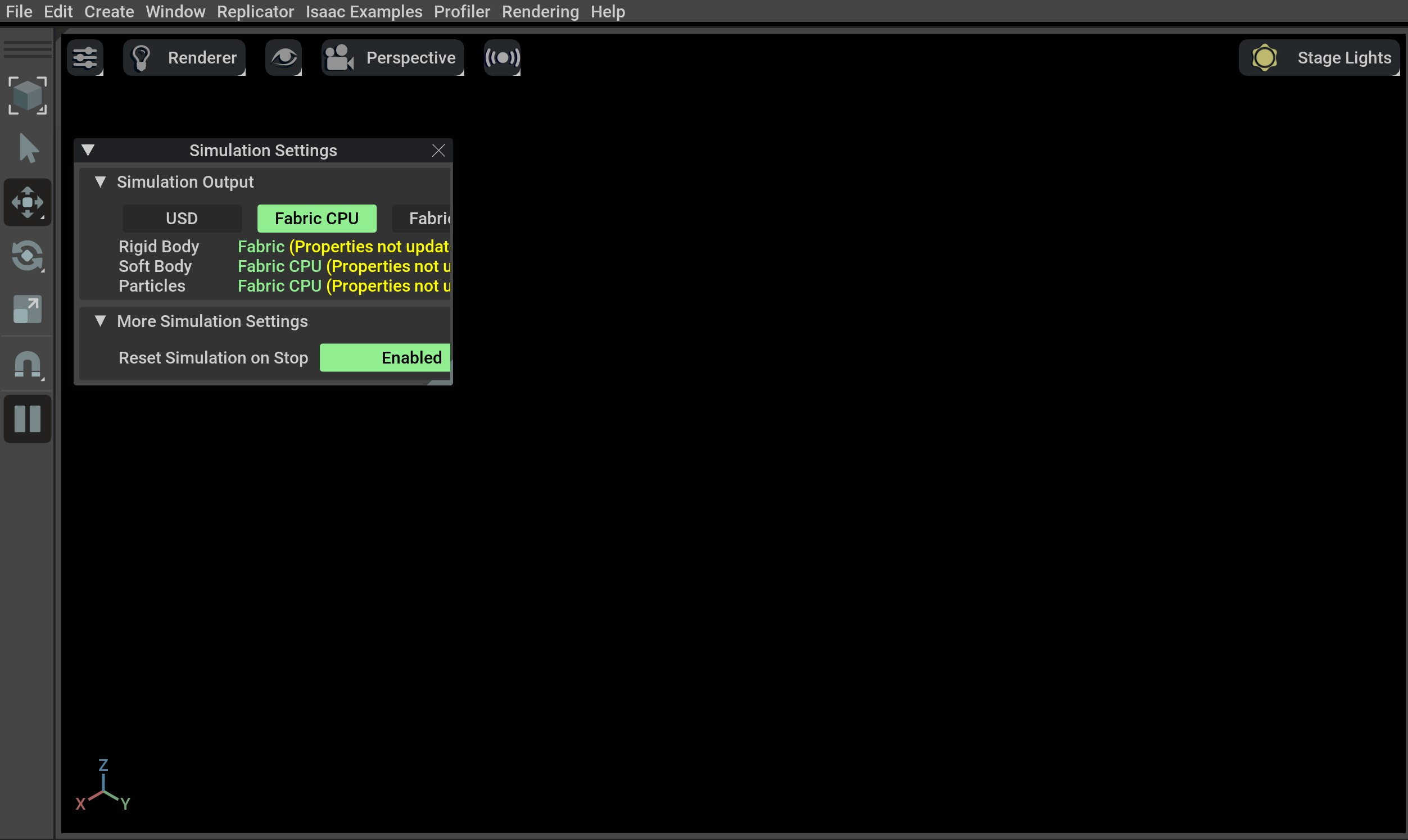
若看到该界面,则说明已安装成功!🎉
2.4. 训练机器人
现在开始用 Isaac Lab 通过强化学习训练机器人!使用 Isaac Lab 的最快方式是通过预定义的工作流,选择开箱即用的机器人任务。执行以下命令,即可快速训练蚂蚁机器人学习行走!建议添加 --headless,加快训练速度。
./isaaclab.sh -p scripts/reinforcement_learning/rsl_rl/train.py --task=Isaac-Ant-v0 --headless或者训练机器狗:
./isaaclab.sh -p scripts/reinforcement_learning/rsl_rl/train.py --task=Isaac-Velocity-Rough-Anymal-C-v0 --headlessIsaac Lab 提供自定义任务和工作流所需的工具。可以查看操作指南,比如“添加自己的学习库”或“封装环境”,了解更多细节。
3. 创建及安装外部项目
下面创建倒立摆示例项目。
- 打开终端。
- 激活 Python 虚拟环境。
- 进入 Isaac Lab 目录。
- 使用
--new参数运行 Isaac Lab 脚本,创建模版项目。./isaaclab.sh --new
- 模板生成器将询问若干问题。在命令行菜单中,使用方向键移动,按空格键选择选项,按 Enter 键确认。
- 任务类型:
- External - 在 Isaac Lab 仓库外部创建项目
- 项目路径:
设置为 /home/{your user name}/Cartpole
- 项目名:
Cartpole
- Isaac Lab 工作流:
Manager-based
- RL 库:
skrl
- 用于 skrl 的 RL 算法:
PPO (Proximal Policy Optimization)
- 要安装外部项目,也就是将其注册到 Isaac Lab,请在 Cartpole 项目的项目文件夹中运行以下命令。
python -m pip install -e source/Cartpole
- 为确认项目已安装,请运行以下命令列出所有已安装的环境。
python scripts/list_envs.py在输出中看到项目被列出,即表示该项目已成功安装,且已准备就绪,可供使用。

- 任务类型: